Model Registration (Persona)
Summary: Register your likeness as a Persona on AI Studio to earn credits each time your model is used in ad video generation. Follow the step-by-step registration flow, then submit your persona for marketplace monetization.
What is a Persona?
A Persona is an AI model created from your own photos. Once registered and approved, your Persona is listed on the AI Studio marketplace so other creators can use it when generating ad videos — and you earn a share of the credits used each time.
After completing persona registration, the left sidebar expands with additional menus: My Personas, Persona Monetization, Approval Request, License Management, and Settlement.
How to Create a Persona
Step 1 — Open Model Registration
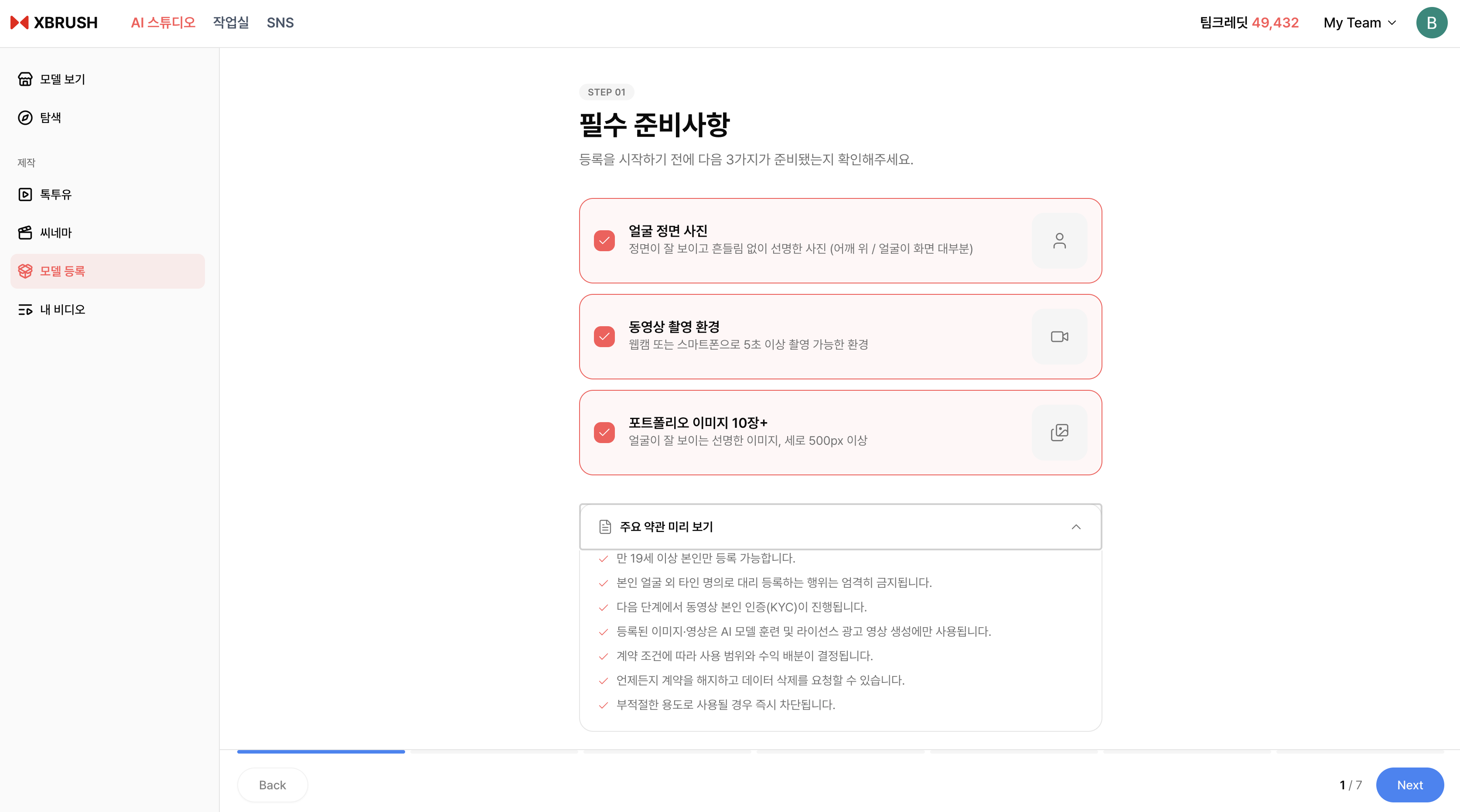
Click Model Registration in the left sidebar to open the persona registration screen.
- Click Model Registration in the left sidebar.
- The registration overview screen opens, showing the benefits of becoming a persona.
- Click Add Persona to begin.
Step 2 — Agree to Terms
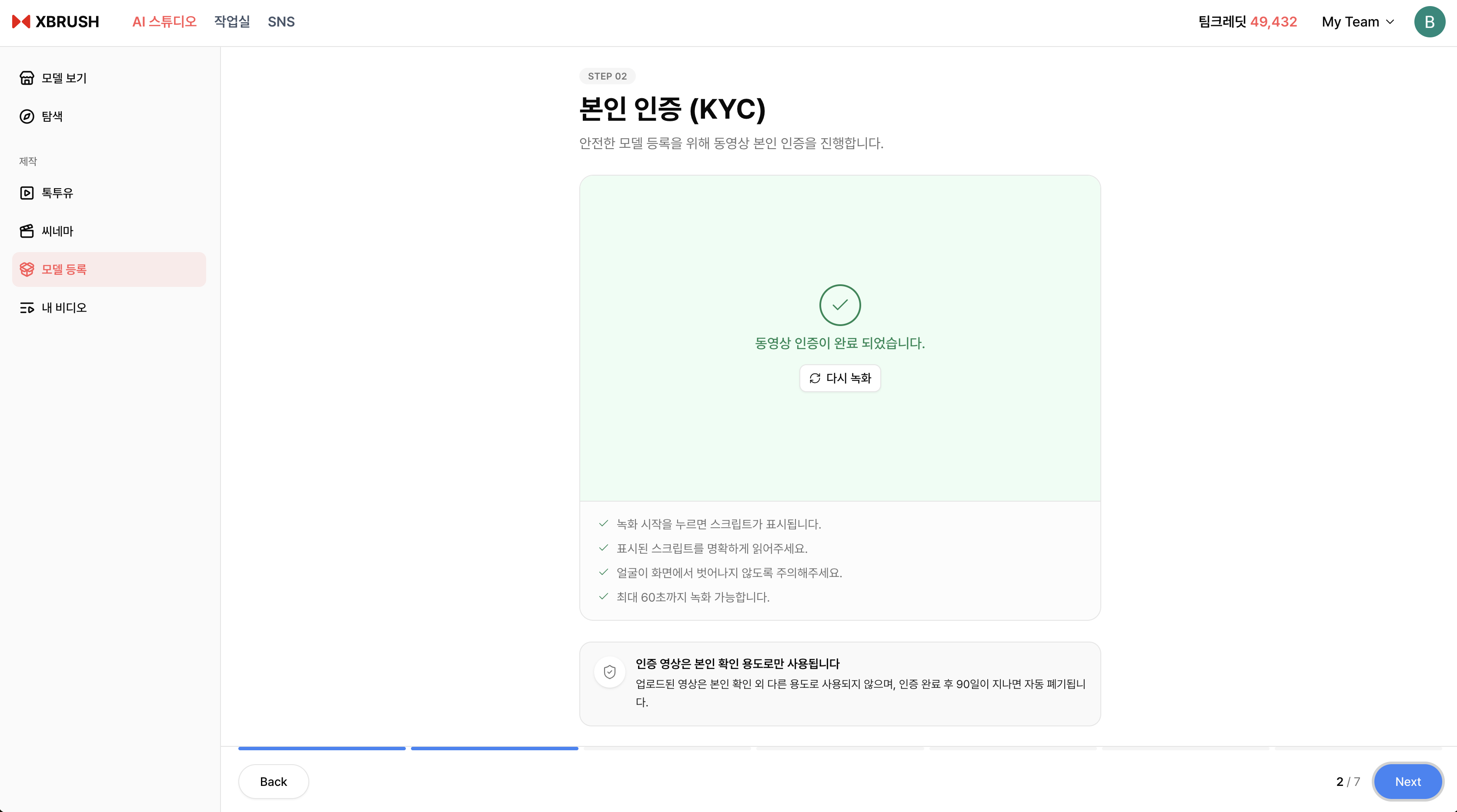
Review and accept the terms of service for persona registration.
- Read the persona registration terms and usage policy.
- Check the agreement checkboxes and click Agree and Continue to proceed.
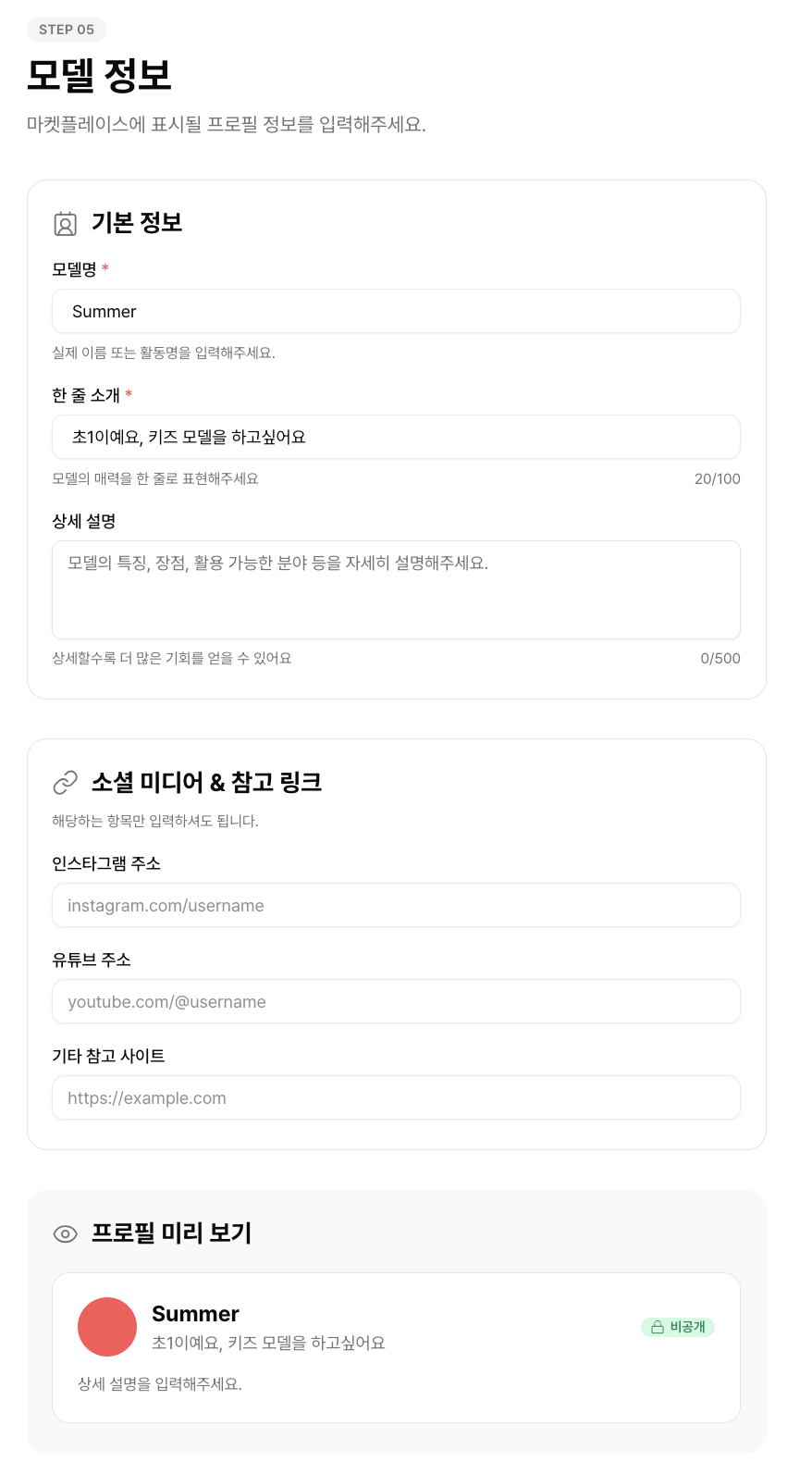
Step 3 — Enter Persona Information
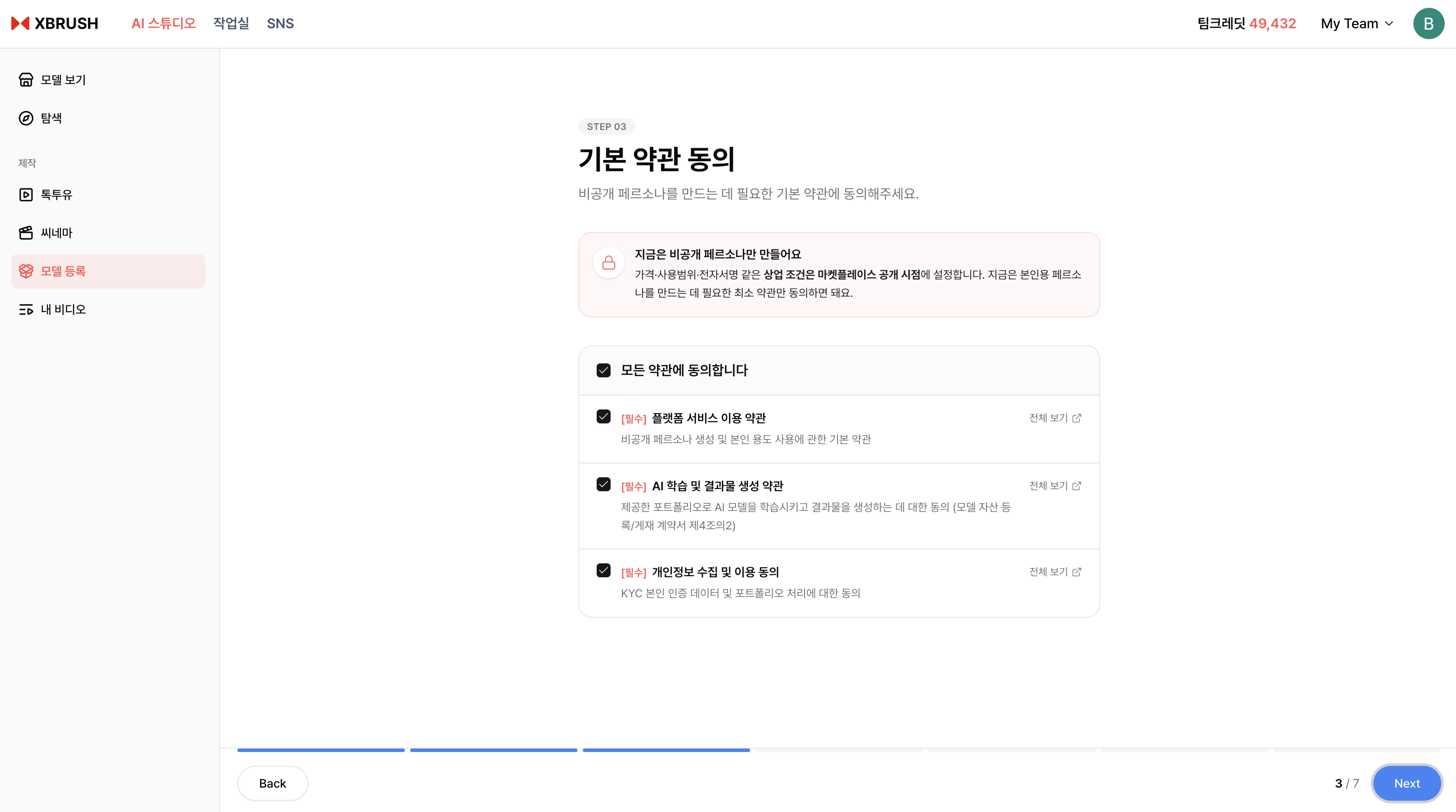
Enter your persona's name, category, and description.
- Persona Name — Enter the name that will be displayed on the marketplace.
- Category — Select the category that best represents your persona.
- Description — Write a brief description of your persona.
- Click Next to continue.
Step 4 — Upload Photos
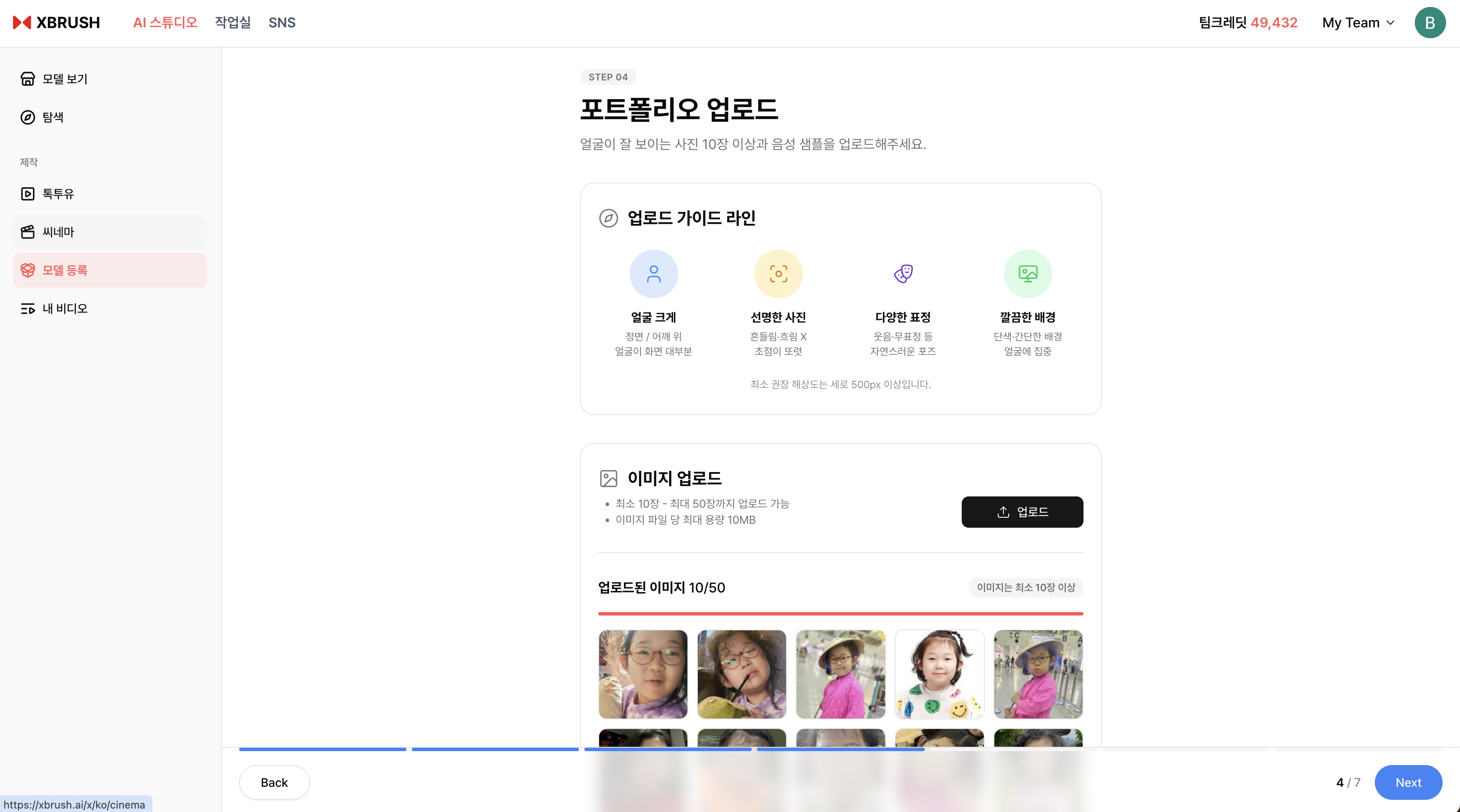
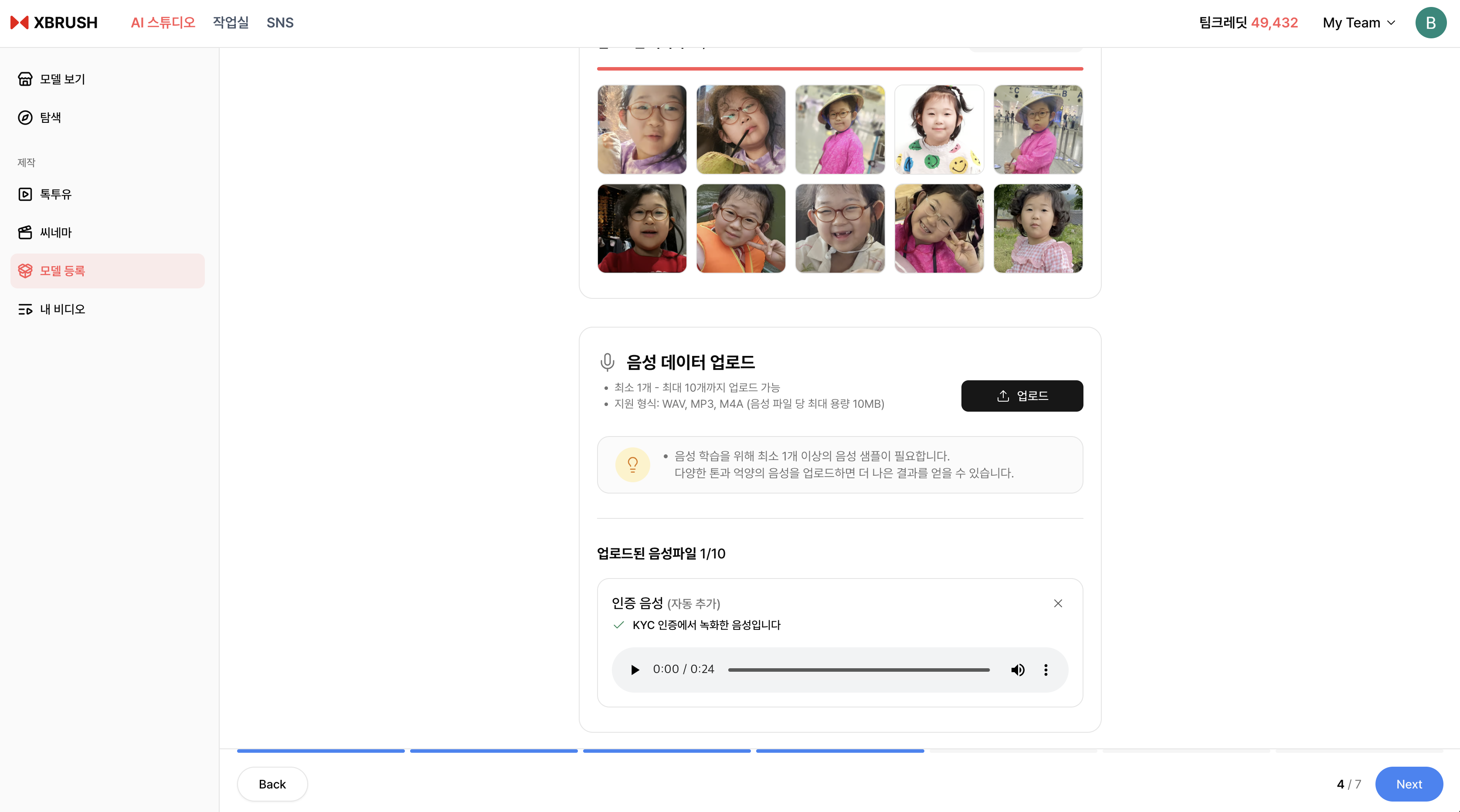
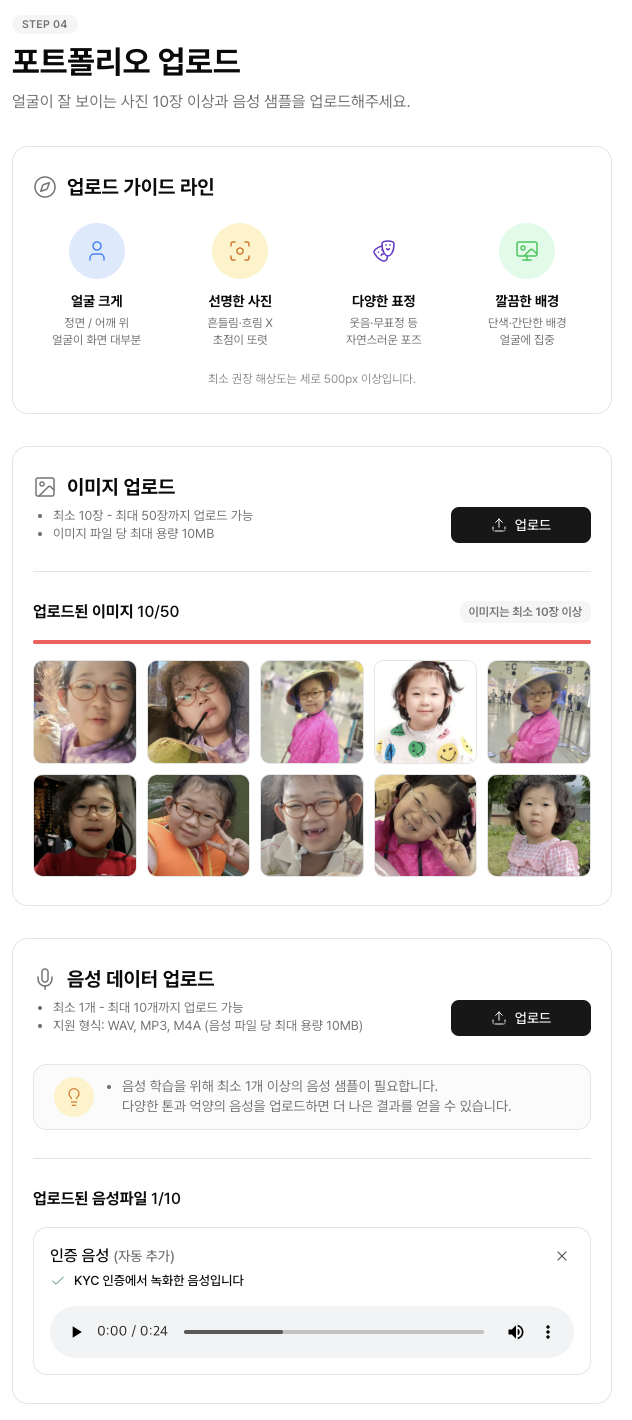
Upload clear front-facing photos for AI model training.
- Upload the required number of photos following the on-screen guidelines.
- Tap the ⓘ icon to review photo requirements — clear face, varied angles, good lighting.
- Once all photos are uploaded, click Next to begin AI model training.
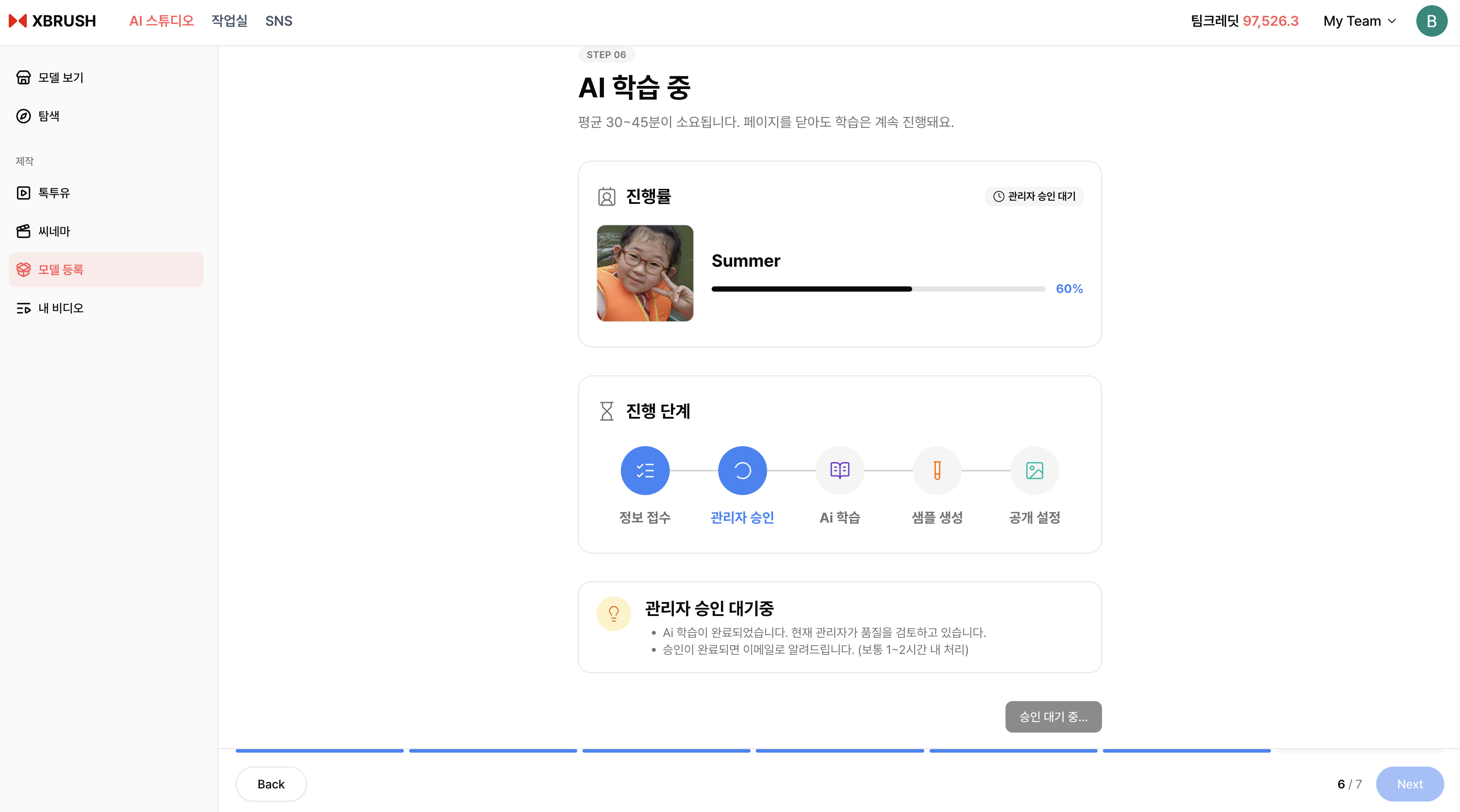
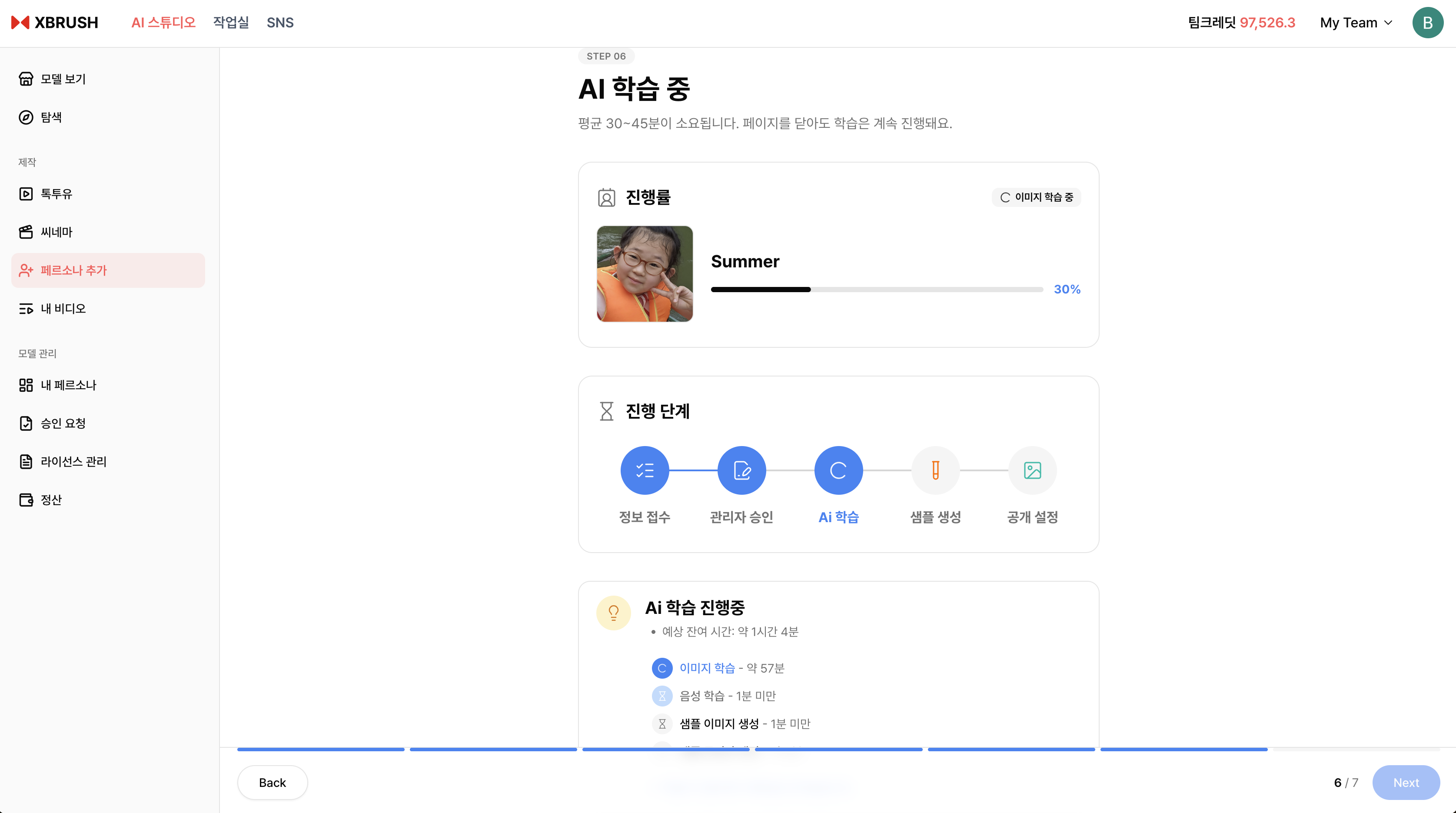
Step 5 — AI Model Generation
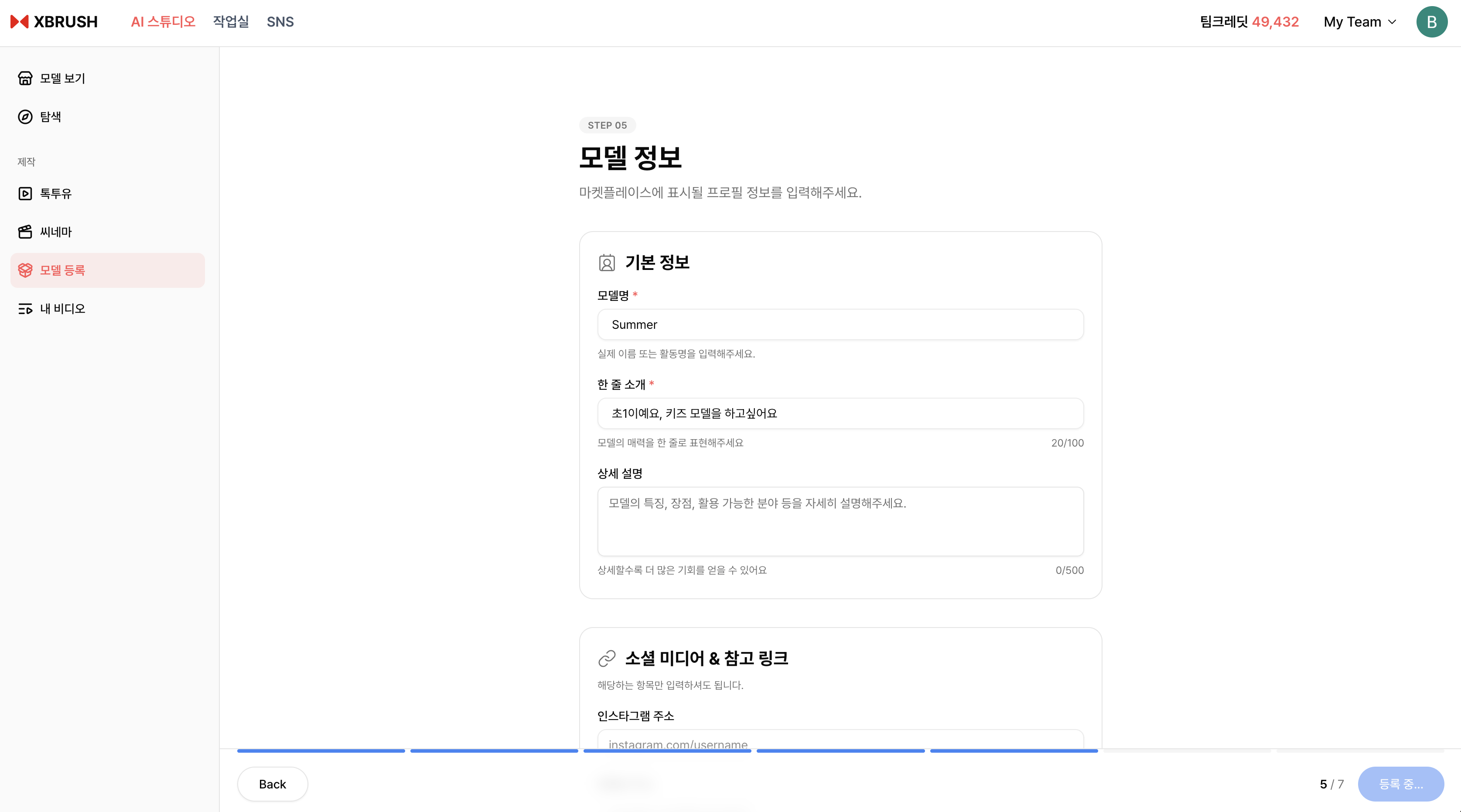
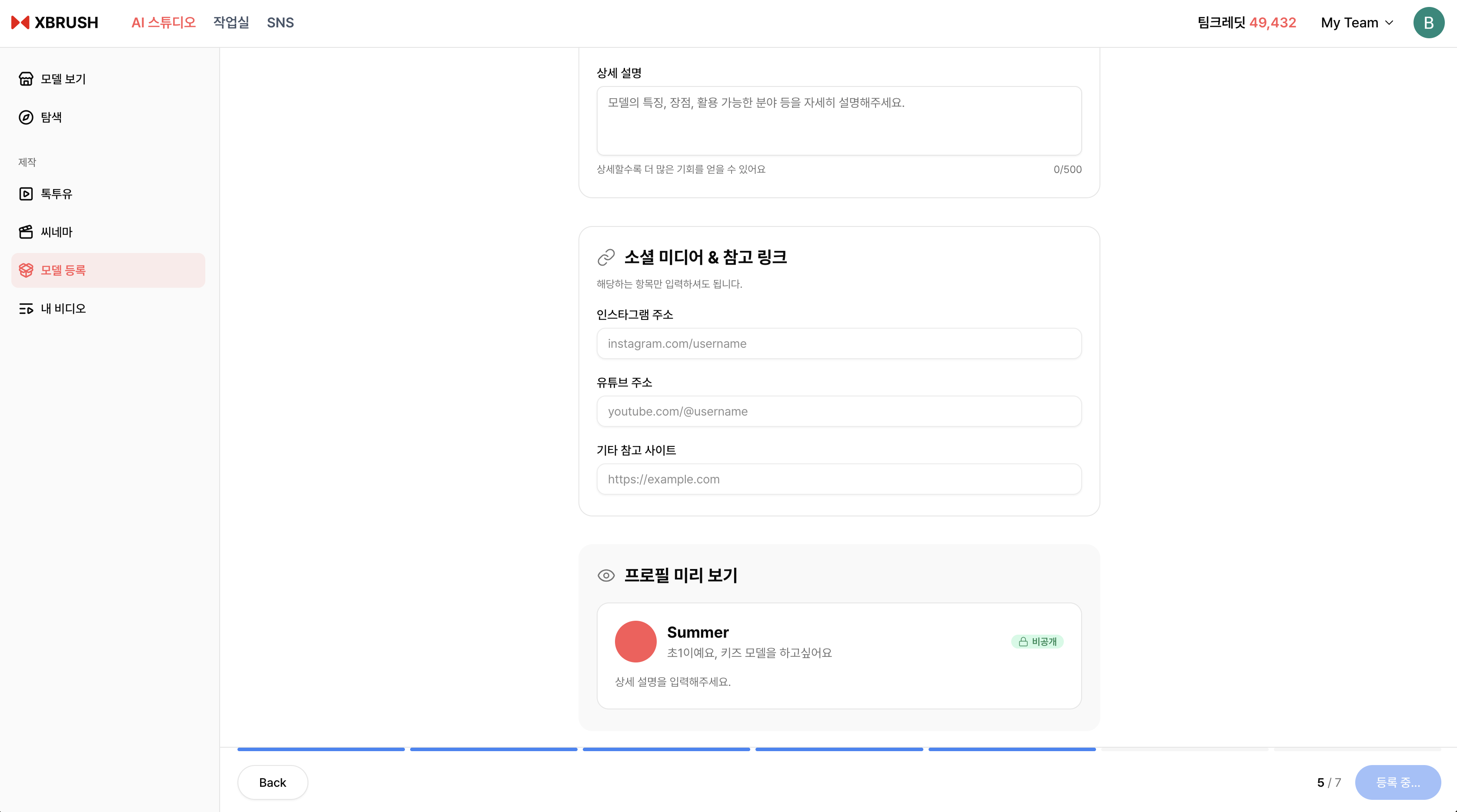
The AI is generating your persona model from the uploaded photos.
- AI model generation begins automatically after photo upload.
- Generation may take several minutes — you can navigate away and return later.
- Tap the ⓘ icon to see details about the generation process.
Step 6 — Review and Confirm
Preview the generated AI model and confirm registration.
- Review the generated persona preview to confirm the likeness.
- If satisfied, click Register to complete registration.
- If the result is unsatisfactory, you can retrain with different photos.
Step 7 — Registration Complete
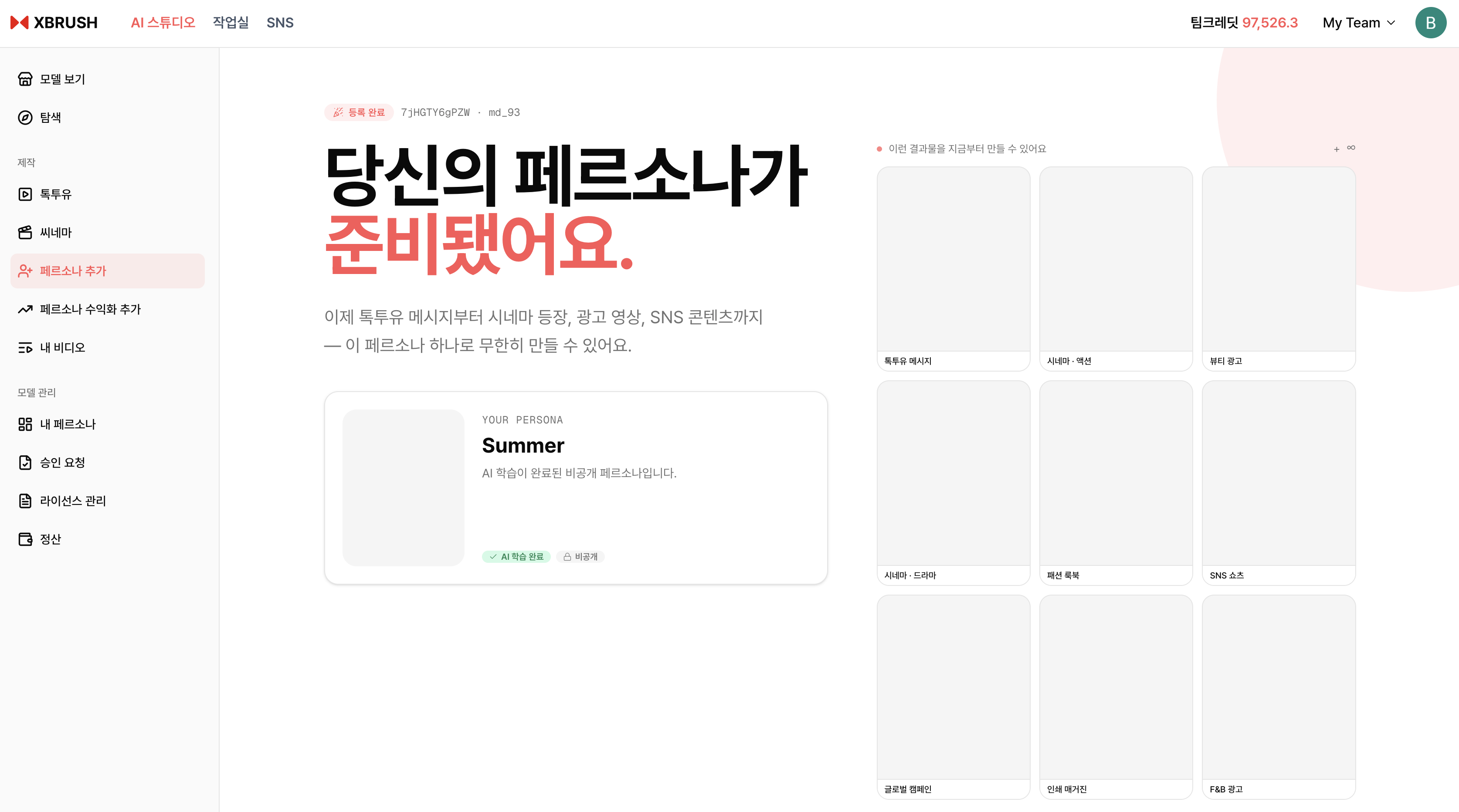
Your persona has been successfully registered.
- Your persona is now registered and visible in My Personas.
- The left sidebar expands to show persona management menus.
- To earn revenue from the marketplace, proceed to Persona Monetization.
Managing Your Personas
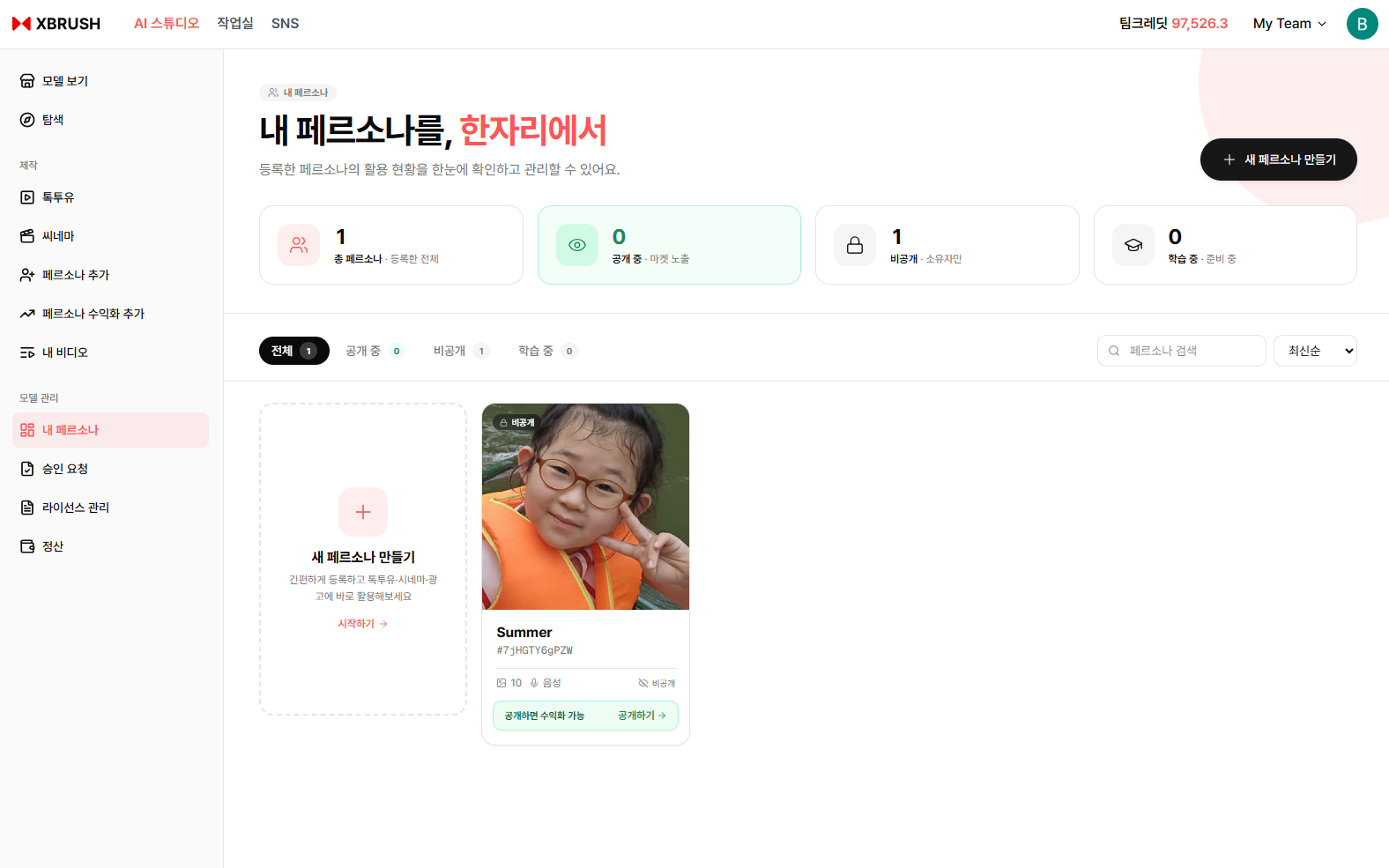
View and manage all your registered personas.
- View all registered personas and their current status.
- Select a persona to edit details or remove it from the marketplace.
Persona Monetization
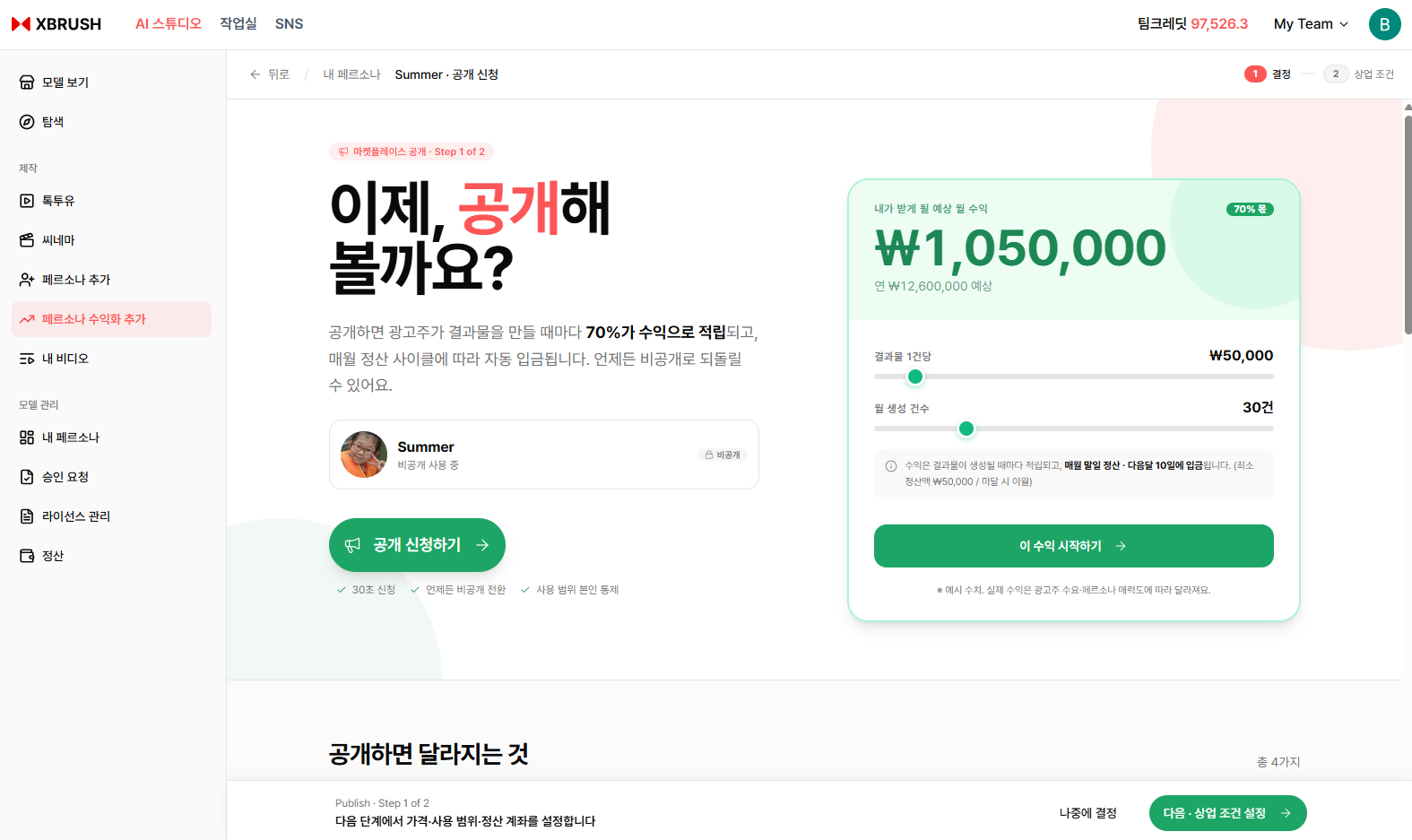
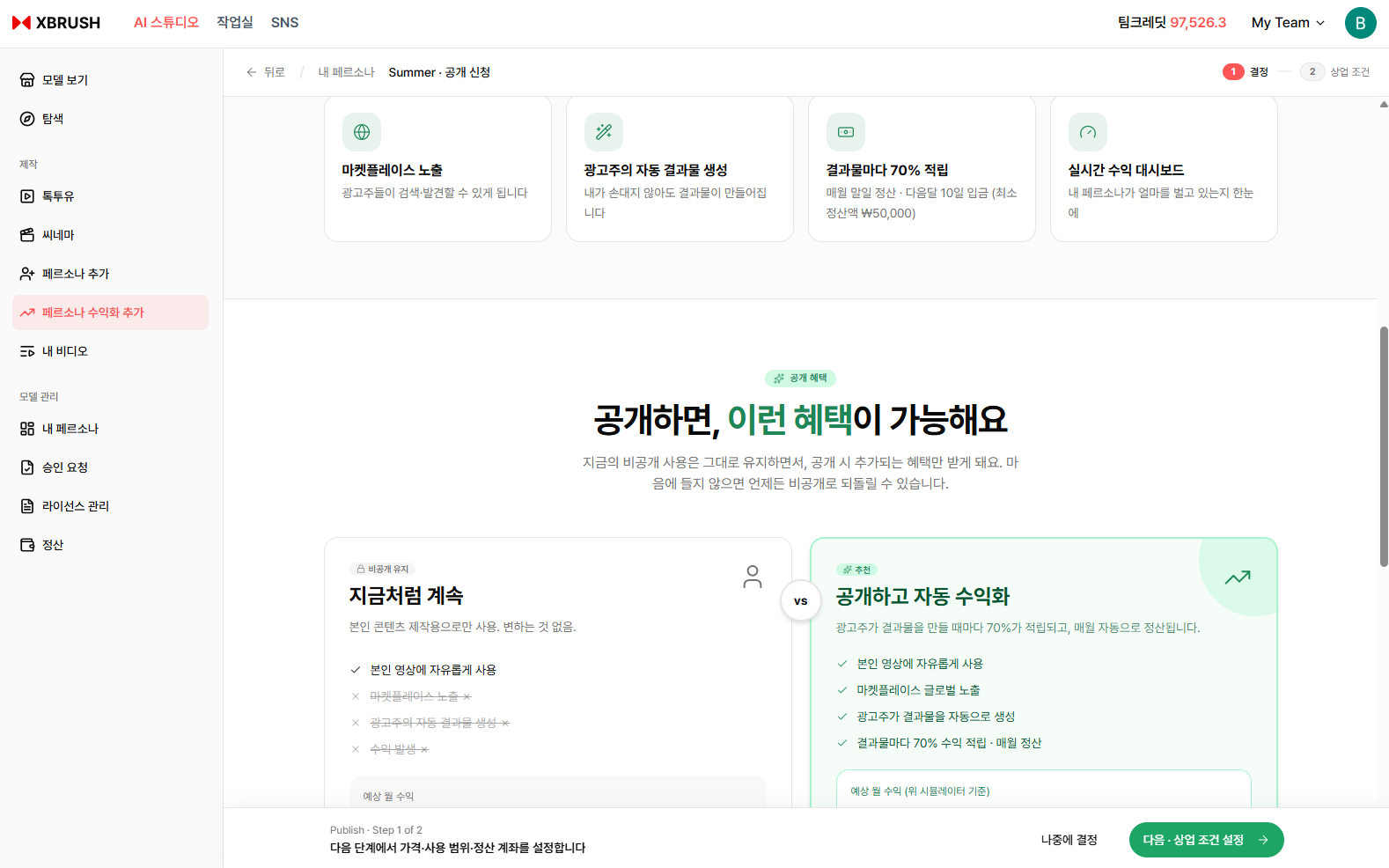
Submit a persona for marketplace monetization.
- Click Persona Monetization in the left sidebar.
- Select the persona you want to monetize.
- Review and accept the monetization terms.
- Submit for approval — once approved, the persona is listed on the marketplace and starts earning credits.
Approval Request
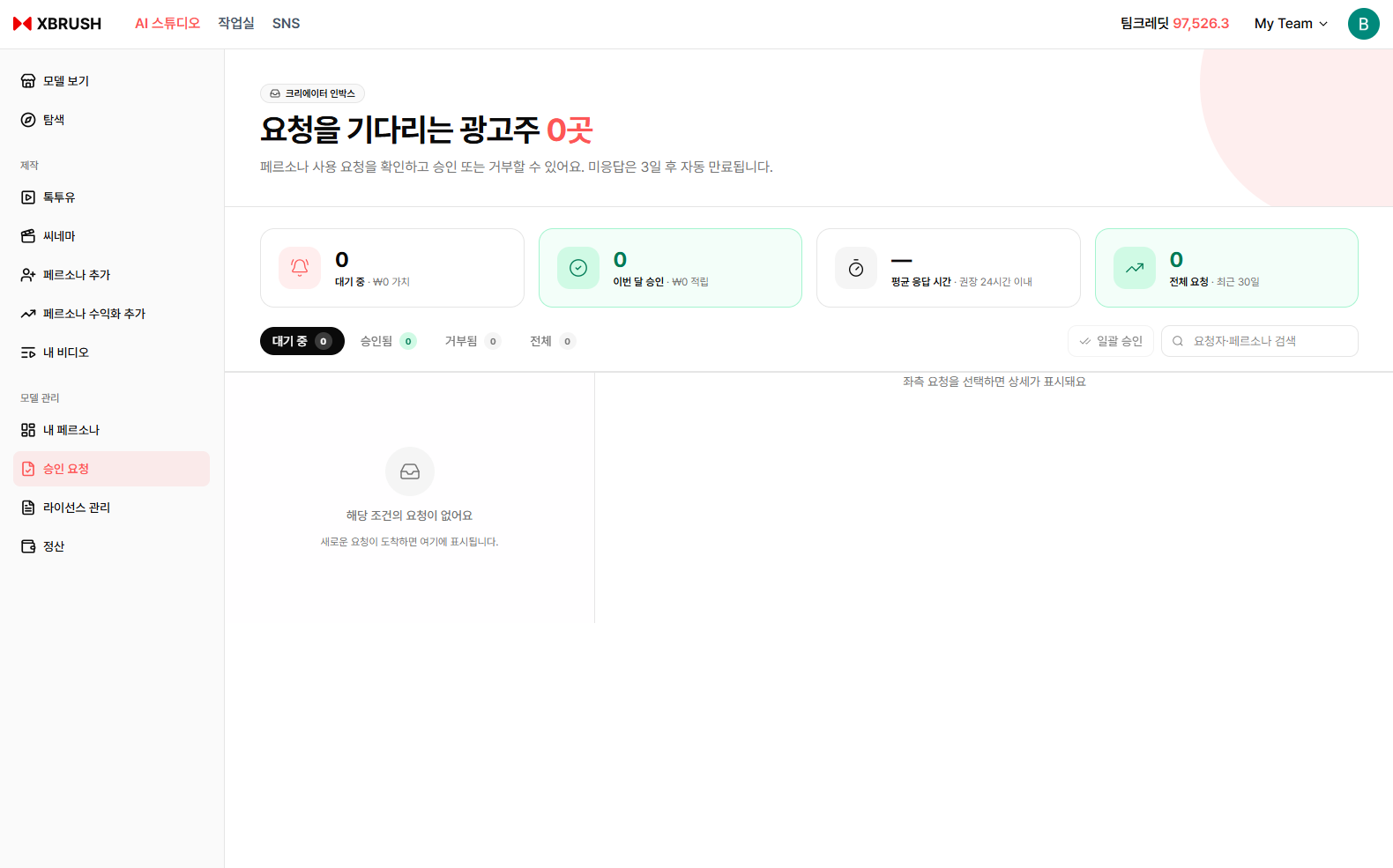
Track the approval status of your monetization requests.
- View the review status of each persona submitted for monetization.
- Statuses include pending review, approved, and rejected.
- If rejected, review the reason and resubmit after making corrections.
License Management
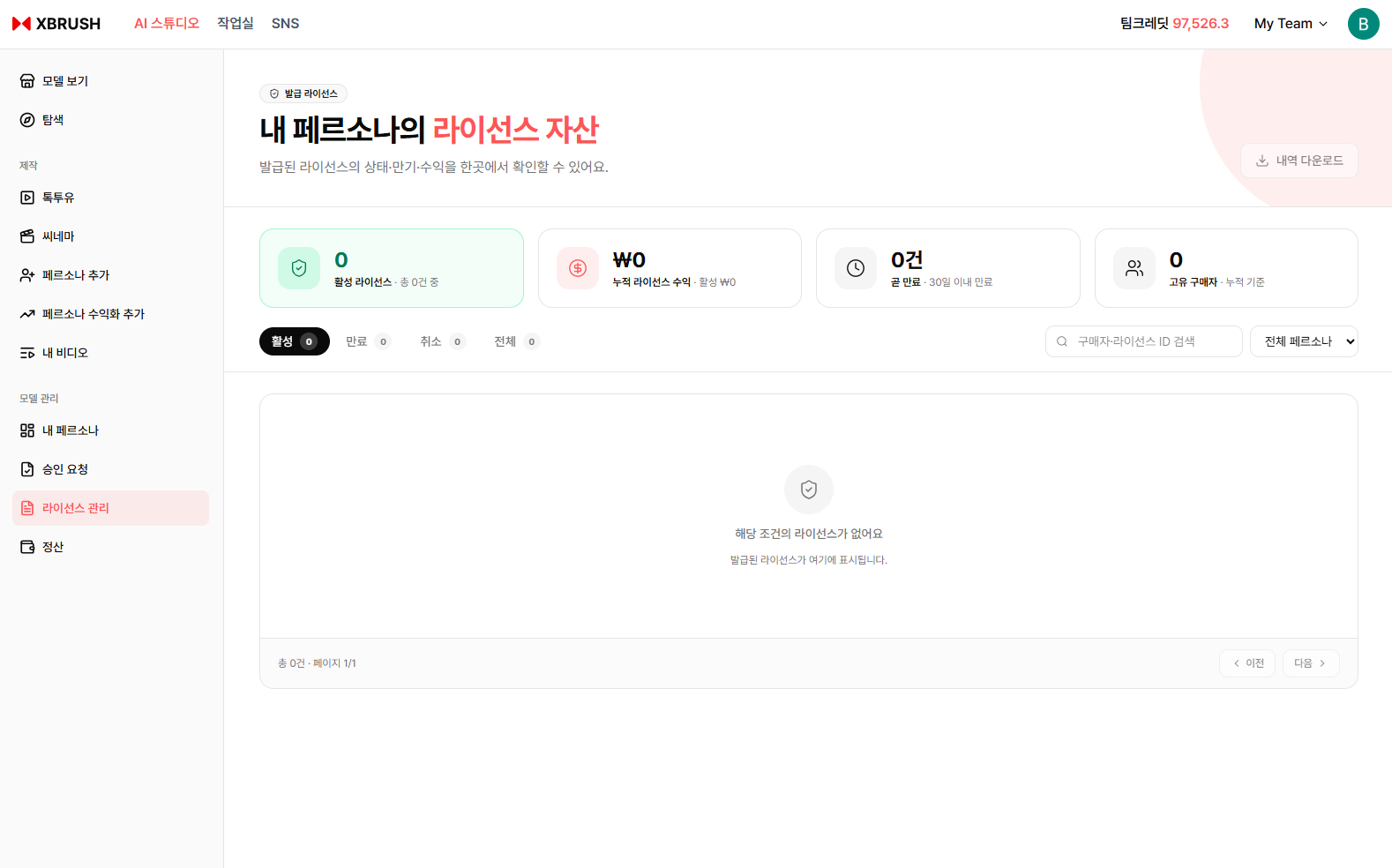
Manage usage licenses for your personas.
- Review how and where each persona is licensed for use.
- Adjust license terms or withdraw a persona from active marketplace use.
Settlement
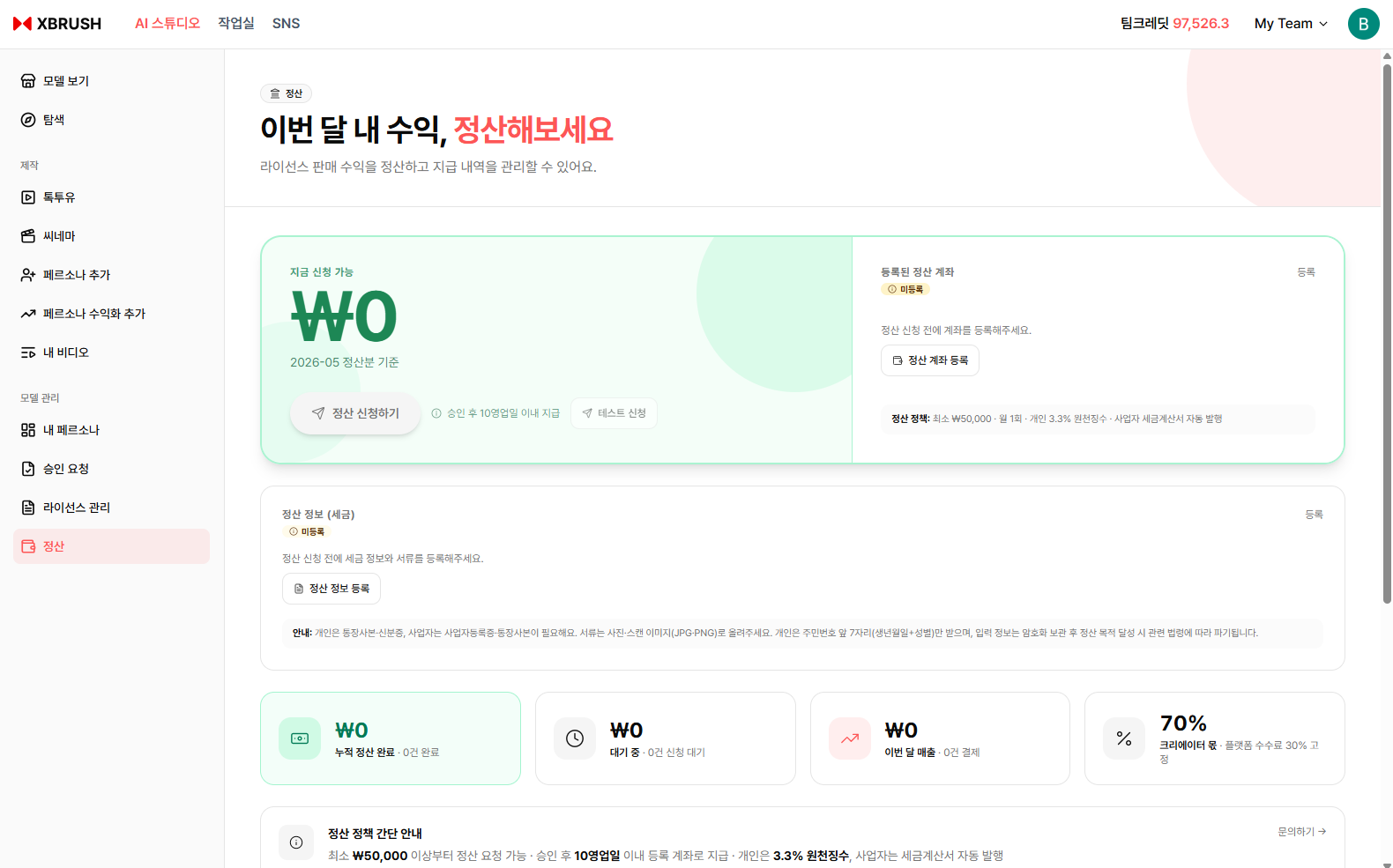
View your earnings and credit settlement history.
- Track credits earned from each persona across campaigns.
- View detailed transaction history including usage counts, credit amounts, and payout dates.
Notes
- Photo requirements and content guidelines are provided during the registration flow.
- Persona registration and monetization are subject to XBRUSH's terms of service.
- Revenue earned is credited to your XBRUSH credit balance and can be withdrawn according to settlement terms.